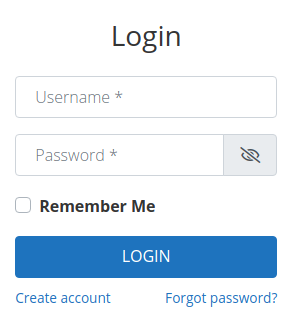
The UWP > Login widget is used to display a login form.
Widget Options
General
- Widget Title – Displays the title of the widget.
- Form Title (A) – Shows the title of the form.
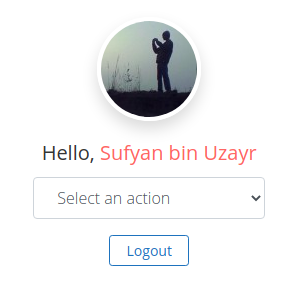
- Logged in Show (A) – Choose the information to be displayed for currently logged-in user.
- Redirect to (A) – Specify the URL to which the user should be redirected after logging in.
Design
- Design Style – You can choose the design style.
- Extra Class – You can specify extra styling classes (optional).
Addons
- Disable GeoDirectory Links – Removes GeoDirectory-related links from the user dashboard.
- Disable WP Invoicing Links – Hides WP Invoicing-related links from the user dashboard.
Example Output
Default output (login form):
Output with current logged-in user: