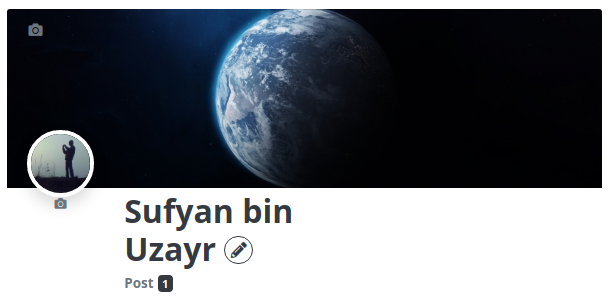
The UWP > Profile Header widget is used to display the user profile header.
Widget Options
- Hide Cover Image (A) – Check to hide the cover image on user profile page.
- Hide Avatar Image (A) – Check to hide the avatar image on user profile page.
- User ID (A) – Input specific User ID, or leave blank to use current user’s ID.
- Allow to Change Cover and Avatar (A) – Check to allow users to change their cover and avatar images from within the widget.
- Disable Greedy Menu for post counts (A) – Greedy menu prevents a large menu falling onto another line by adding a dropdown select.
Example Output
Default output: