The UWP > User Groups block is used to display the groups joined by a specific user on the frontend. It allows visitors and members to view all groups that a user is part of.
Widget Options
Below are the available settings for the UWP > User Groups block:
- Widget Title – Enter a custom title to display above the user groups list.
- User ID – Specify a user ID to display groups for a particular user. Leave blank to use the currently logged-in user.
- Per Page – Set the number of groups to display per page.
This block improves user experience by making it easy to view and explore the groups a user has joined.
Example Output
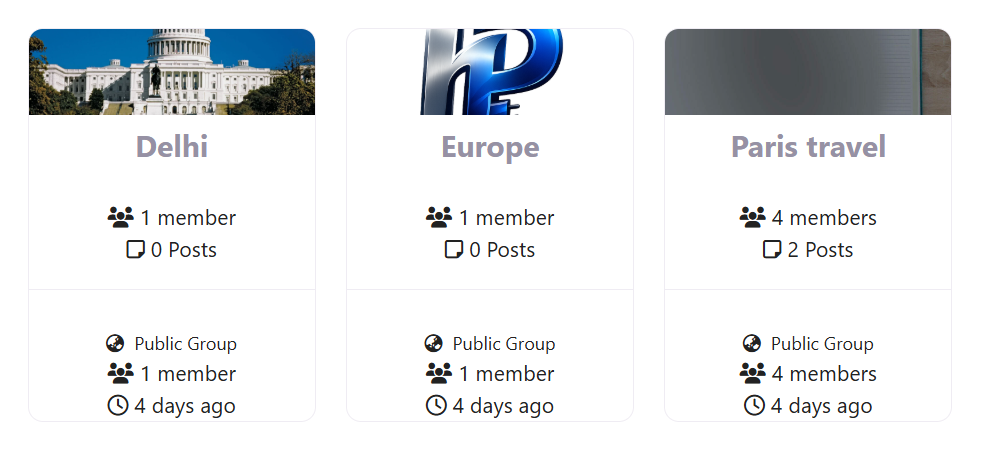
Below is an example of how the block appears on the frontend with default settings applied:
Default Output:
The appearance and layout may vary depending on your active theme and customization settings.