The UWP > Groups widget is used to display a list of user groups on your website. It allows visitors to browse available groups and view group-related information directly from the frontend.
This widget helps improve community interaction by making it easier for users to discover, join, and engage with different groups.
Widget Options
Below are the available settings for the UWP > Groups widget:
- Widget Title – Displays a custom heading for the widget on the groups list page. You can use this option to add a descriptive title such as “Community Groups” or “Available Groups”.
Example Output
Below is an example of how the widget appears on the frontend with default settings applied:
Default Output:
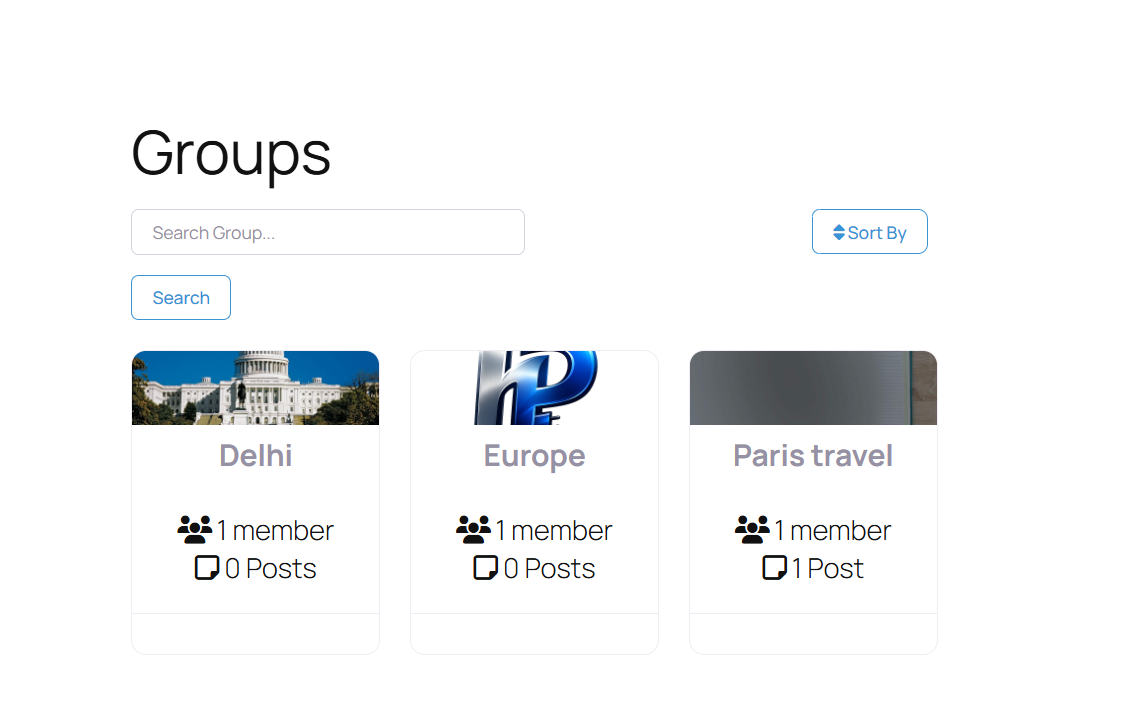
In this example, the widget displays a list of available groups along with their basic details. The layout and design may vary depending on your active theme and customization settings.
You can further customize the appearance of the Groups widget using custom CSS or your theme’s styling options to match your website’s design and branding.