The UWP > Group Rules widget is used to display the rules and guidelines of a group on the frontend. It helps members understand group policies and expected behavior.
Widget Options
Below are the available settings for the UWP > Group Rules widget:
- Widget Title – Displays a custom heading for the group rules section.
- Group ID (A) – Leave blank to use current group ID. For group detail page it will take displayed group ID.
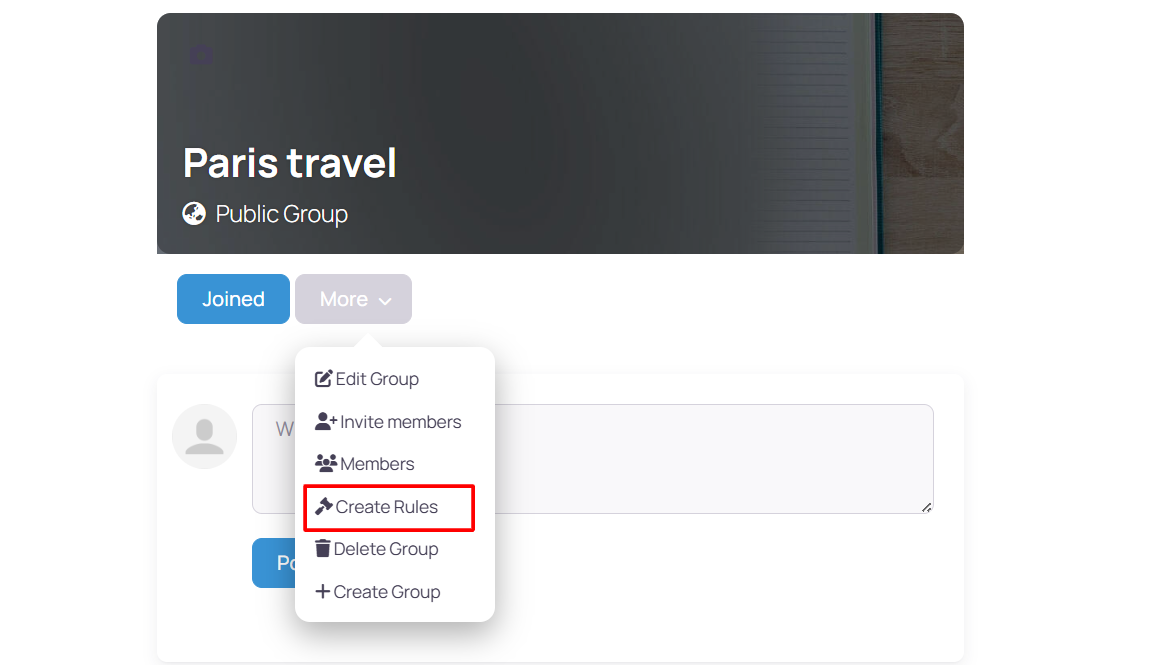
Create rules
This improves user experience by clearly presenting group guidelines.
Example Output
Below is an example of how the widget appears on the frontend with default settings applied:
Default Output:
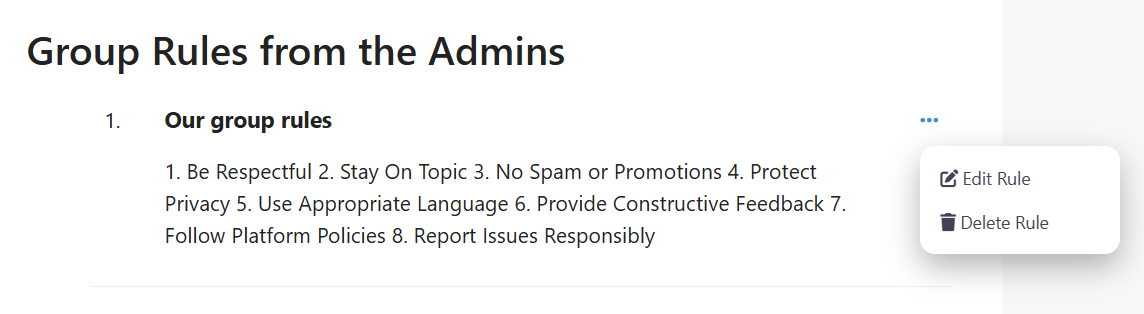
The appearance and layout may vary depending on your active theme and customization settings.