The UWP > Group Members block is used to display a list of members belonging to a group on the frontend. It helps visitors and members view active participants of the group.
Widget Options
Below are the available settings for the UWP > Group Members block:
- Widget Title – Enter a custom heading to display above the members list.
- Group ID (A) – Leave blank to use the current group ID. On the group detail page, it will automatically use the displayed group ID.
- Max Number of Users (A) – Set the maximum number of group members to display.
- Avatar Size (A) – Specify the size of member profile images in pixels.
This block improves user engagement by showcasing active group members.
Example Output
Below is an example of how the block appears on the frontend with default settings applied:
Default Output:
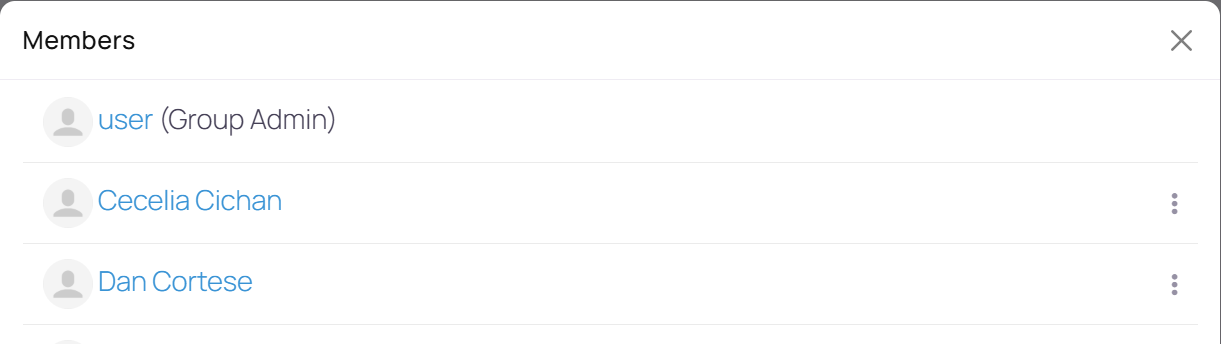
The appearance and layout may vary depending on your active theme and customization settings.