The UWP > Dashboard block is used to display the complete UsersWP dashboard interface on the frontend. It serves as the main control panel where users can manage their account, listings, payments, and settings.
This block appears on the user dashboard page.
Wrapper Style Settings
The Wrapper Styles section allows you to customize the outer appearance of the dashboard container.
- Background Color – Select a background color for the dashboard wrapper or leave it as None.
- Margins – Set the top, right, bottom, and left margins to control spacing around the dashboard.
- Padding – Adjust the inner spacing inside the dashboard container.
- Border Color – Choose a border color for the dashboard wrapper.
These settings help you match the dashboard layout with your site’s design.
Example Output
Below is an example of how the dashboard appears on the frontend with default settings applied:
Default Output:
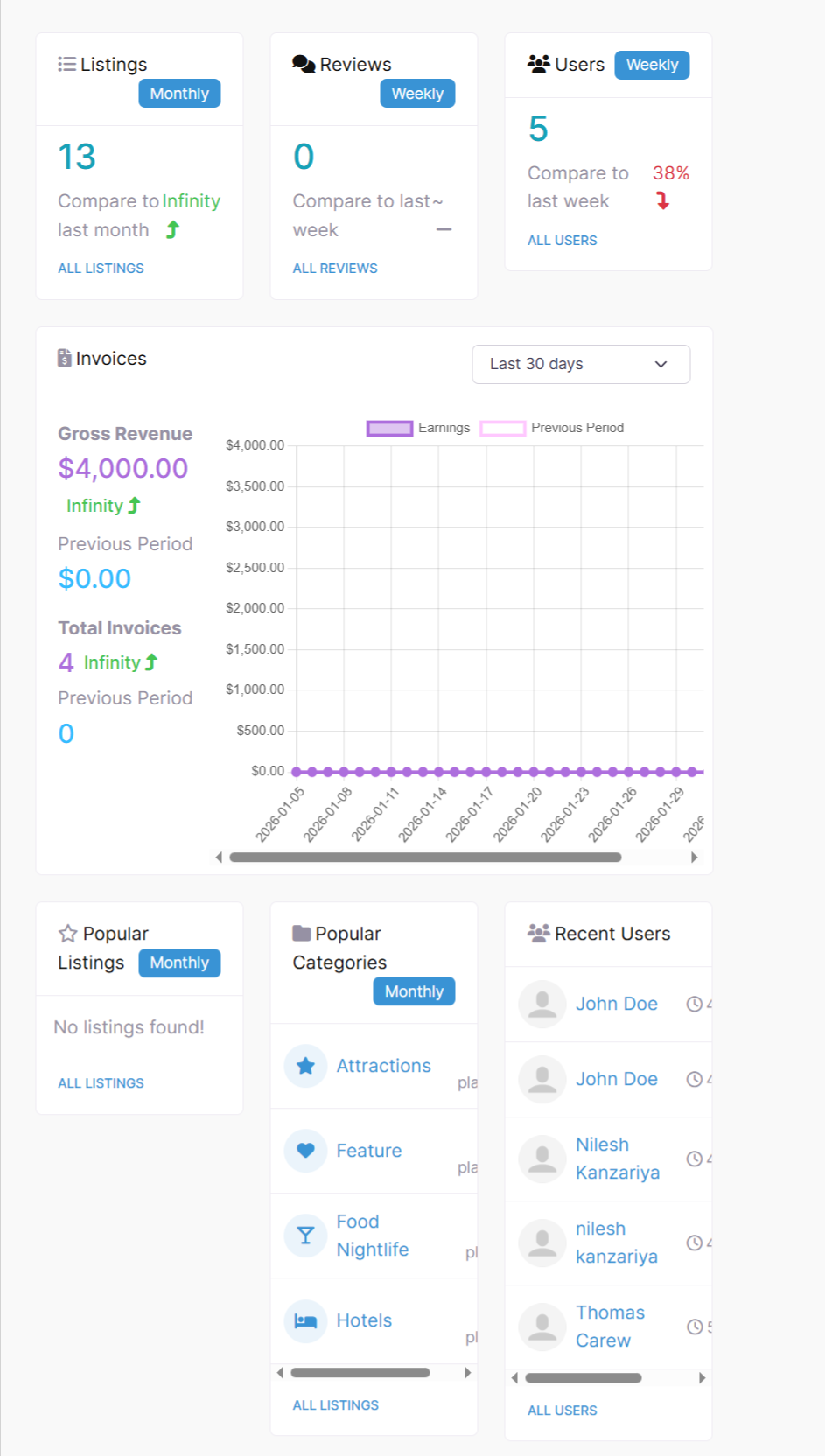
The appearance and layout may vary depending on your active theme and customization settings.